
The short answer
Use WAN 2.6 when the project benefits from 1080p output, synchronized audio or a more structured multi-shot workflow. Use WAN 2.5 when you need a simpler short-form image-to-video path and 720p is sufficient. On FreeWanVideo, the practical choice is between the controls actually exposed in each workspace—not every capability listed for the full model family.
This distinction matters because model documentation, provider integrations and a website interface can expose different subsets of the same family. The comparison below therefore separates official family capability from current FreeWanVideo availability.
WAN 2.5 vs WAN 2.6 comparison
| Question | WAN 2.5 | WAN 2.6 |
|---|---|---|
| Official resolution | 480p, 720p and 1080p | 720p and 1080p |
| Official audio capability | Synchronized audio generation | Synchronized audio plus supported audio-input workflows |
| Official scene structure | Short video generation | Multi-shot narrative support |
| FreeWanVideo input | Image-to-video | Image-to-video |
| FreeWanVideo output | 720p; 5 or 10 seconds | 720p or 1080p |
| Best fit here | Straightforward short clips | Higher-definition image animation |
What the original examples do—and do not prove
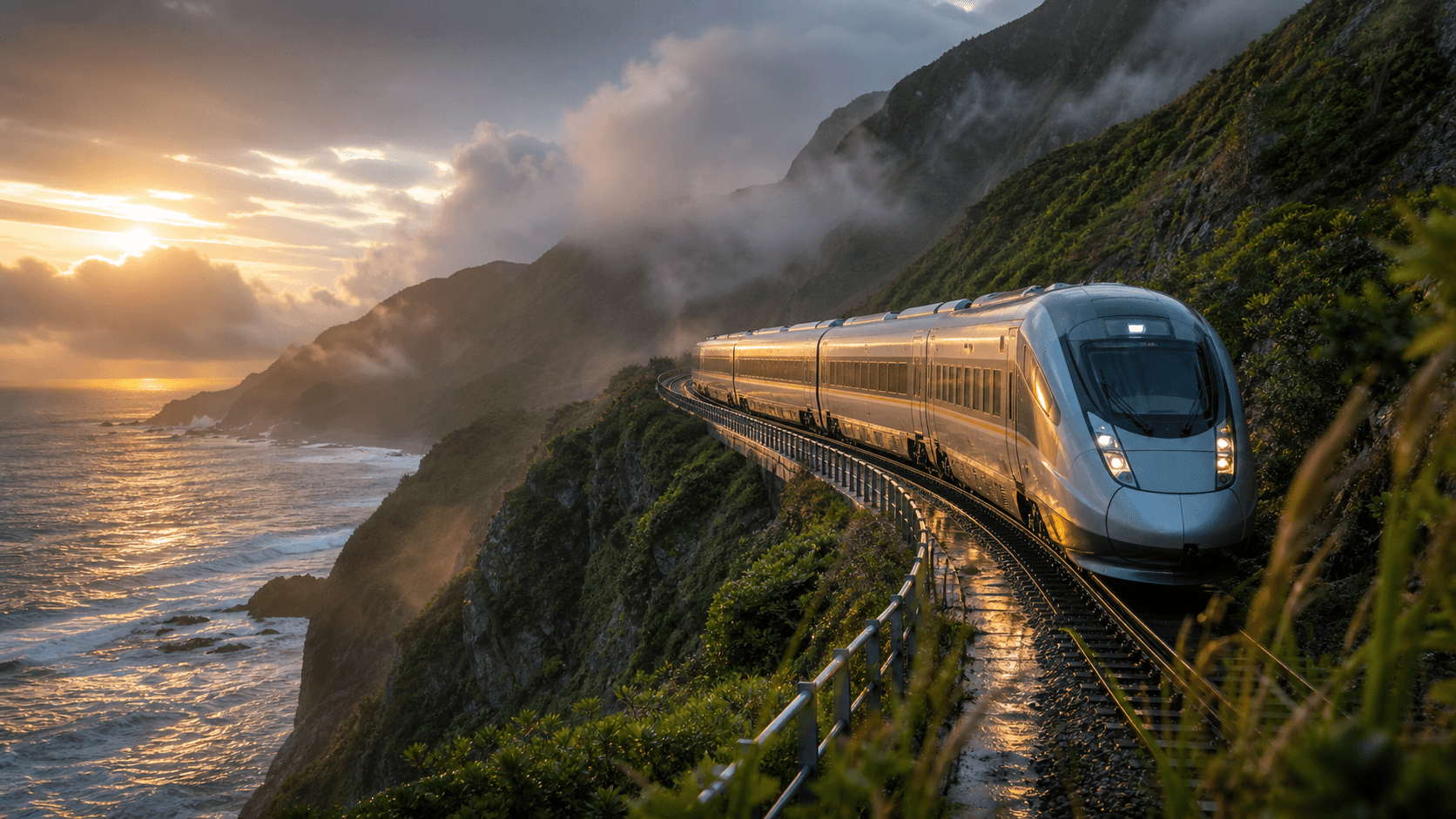
The two videos above are workflow demonstrations, not a controlled scientific benchmark: they use different source images and motion challenges. The WAN 2.5 train clip tests rigid-object consistency, forward travel, reflections and atmospheric motion. The WAN 2.6 astronaut clip tests walking, water contact, particles and fabric-like environmental movement.
A fair quality benchmark would reuse the same image, prompt, duration, resolution and audio setting across models, then repeat each run several times. AI video output varies by seed and generation, so one attractive clip is not enough to declare a universal winner.
Choose WAN 2.5 when...
- Your deliverable is a short 720p social or concept clip.
- You want a simple image-led workflow with 5- or 10-second choices.
- You can keep the shot to one subject action and one camera move.
- You do not need to market the output as 4K; WAN 2.5 is not documented as a 4K model.
Open the dedicated WAN 2.5 generator page to see the current controls before generating.
Choose WAN 2.6 when...
- You want the option to generate at 1080p in the current FreeWanVideo workflow.
- The scene benefits from sound, ambience or more explicit narrative structure.
- Your reference frame contains layered depth that can support a tracking, dolly or orbit move.
- You want to test the newer WAN family while keeping the composition anchored to an image.
The WAN 2.6 generator page opens WAN 2.6 Flash directly in image-to-video mode. For prompt construction, continue with the WAN 2.6 image-to-video prompt guide.
A prompt structure that works for both models
Start with a concrete motion plan rather than a list of visual adjectives. A useful structure is: subject action + environmental motion + camera move + continuity constraint + lighting or mood.
Example: “The cyclist pedals steadily along the wet road. Jacket fabric and roadside grass move in the wind. The camera tracks parallel at waist height. Keep the bicycle frame, face and road geometry stable. Soft overcast morning light.”
If the output deforms, reduce the number of simultaneous actions before adding stronger negative language. Asking for an orbit, a fast zoom, a subject turn, cloth motion and a scene transition in five seconds creates competing instructions.
Bottom line
WAN 2.6 offers the more capable path on paper and the more flexible high-definition workflow on FreeWanVideo. WAN 2.5 still has a clear role: short, image-led 720p clips where simplicity and a controlled motion plan matter more than maximum specification. Choose from the output requirement backward, then test the exact shot—not the model name alone.