
One photo or two portraits
Free AI Hug Video Generator
Turn one photo or two separate portraits into a natural hugging video with WAN 2.2 Basic.
Get 100 free credits when you sign up
Log in daily to claim 60 credits during your first 14 days
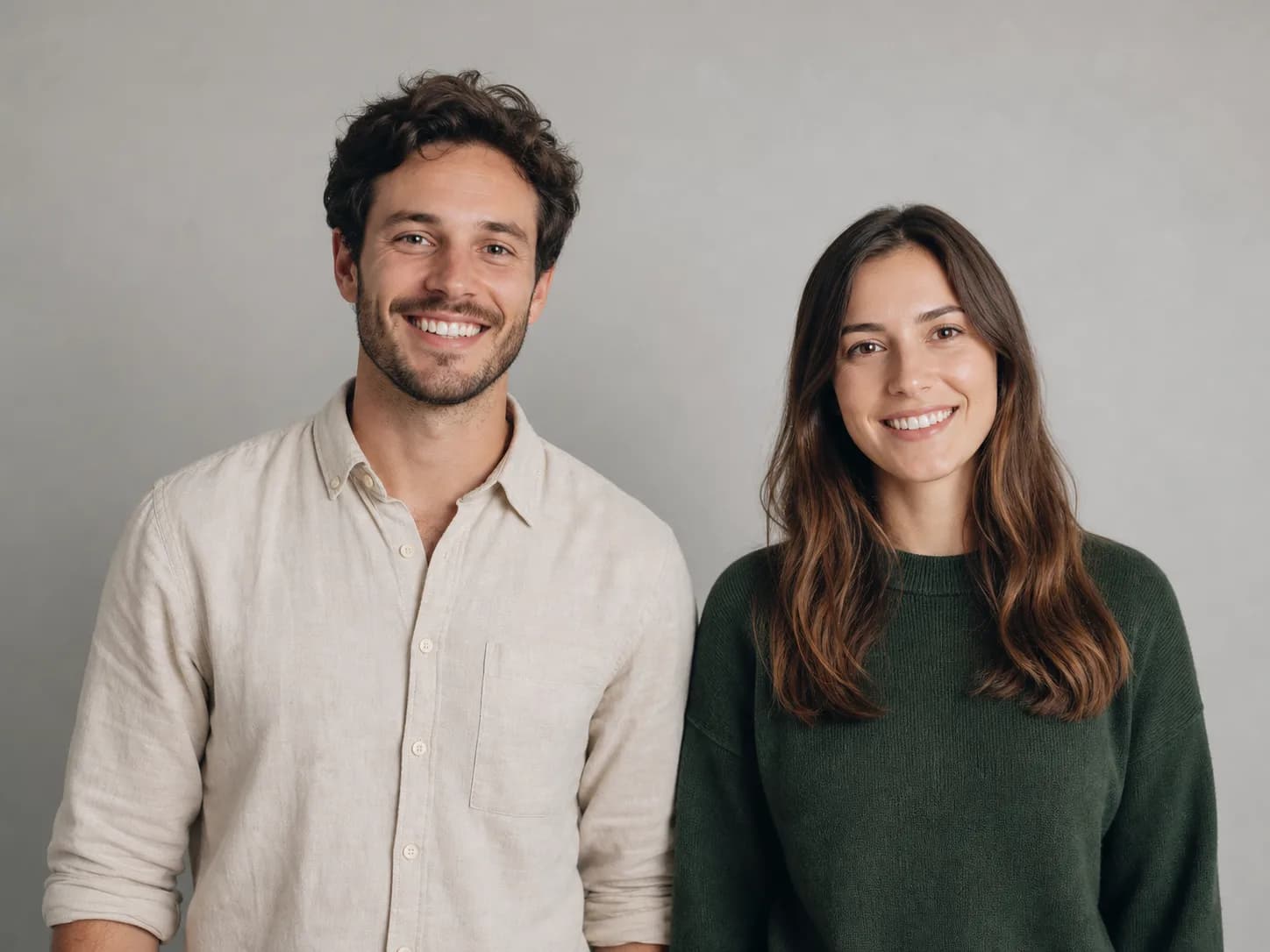
Create Your Video
Choose a hug style
View examples ↓Upload only photos you own or have permission to use.
Preview Your Video
Video Preview
Your generated video will appear here
How to make an AI hug video
The model settings and motion prompts are prepared for you. Upload your photos, select a hug style, and generate.
- 01
Upload one or two photos
Use one photo containing two adults, or upload one clear adult portrait in each slot.
- 02
Choose a hug style
Pick Gentle, Romantic, Reunion, Passionate Reunion, Comforting, or Sweet Head-Stroking Hug.
- 03
Generate for 30 credits
WAN 2.2 Basic creates a 6-second 480p hugging video.
Generated with the same photo
AI hugging video examples
Compare all six hug styles below. Every example uses the same reference photo, WAN 2.2 Basic, 480p resolution, and a 6-second duration.
Gentle Hug
6s · 480pA soft, natural embrace with restrained movement and stable framing.
Romantic Hug
6s · 480pA warm, affectionate embrace with slower, more intimate movement.
Reunion Hug
6s · 480pA joyful, energetic hug designed for an emotional reunion moment.
Passionate Reunion Hug
6s · 480pAn adult couple reunites in a tight romantic embrace as the woman relaxes into the moment with a blissful expression.
Comforting Hug
6s · 480pA calm, reassuring embrace with subtle supportive gestures.
Sweet Head-Stroking Hug
6s · 480pA tender couple embrace where one person gently strokes the other's hair and head as they relax together.
Start with 100 Basic credits
Your starting balance covers up to three AI hug videos at the current 30-credit price, with 10 credits remaining.
- New account
- 100 Basic credits
- Daily claim during first 14 days
- 60 Basic credits
- Each AI hug video
- 30 Basic credits
Create responsibly
Use only images you own or have permission to animate. Do not create non-consensual deepfakes, deceptive identity claims, harassment, or impersonation.
Read the terms of serviceAI hugging video FAQ
How does the AI hug video generator work?
Upload one photo containing two adults or choose 2 Photos mode and upload one portrait per person. Select a hug style, then WAN 2.2 Basic animates the images into a 6-second 480p video.
How many credits does one AI hug video cost?
Each AI hug video costs 30 Basic credits. The model, 6-second duration, and 480p resolution are fixed on this page.
Do new users receive free credits?
Yes. New FreeWanVideo accounts receive 100 starting credits. Eligible new users can also claim 60 Basic credits per day during their first 14 days after registration.
Can I create a hug video from two separate photos?
Yes. Choose 2 Photos mode and upload one clear adult portrait in each slot. Similar lighting, camera angles, and face sizes generally produce a more coherent result.
What photos work best for an AI hugging video?
Use clear, well-lit photos with visible faces and upper bodies. Leave enough space around both people for arm movement, and avoid heavily cropped, blurry, or obstructed subjects.
Can I upload any photo?
Only upload photos you own or have permission to use. Do not use the tool for impersonation, harassment, deceptive content, or non-consensual deepfakes.
Explore more AI video effects
Try another effect or open the full image-to-video workspace.